
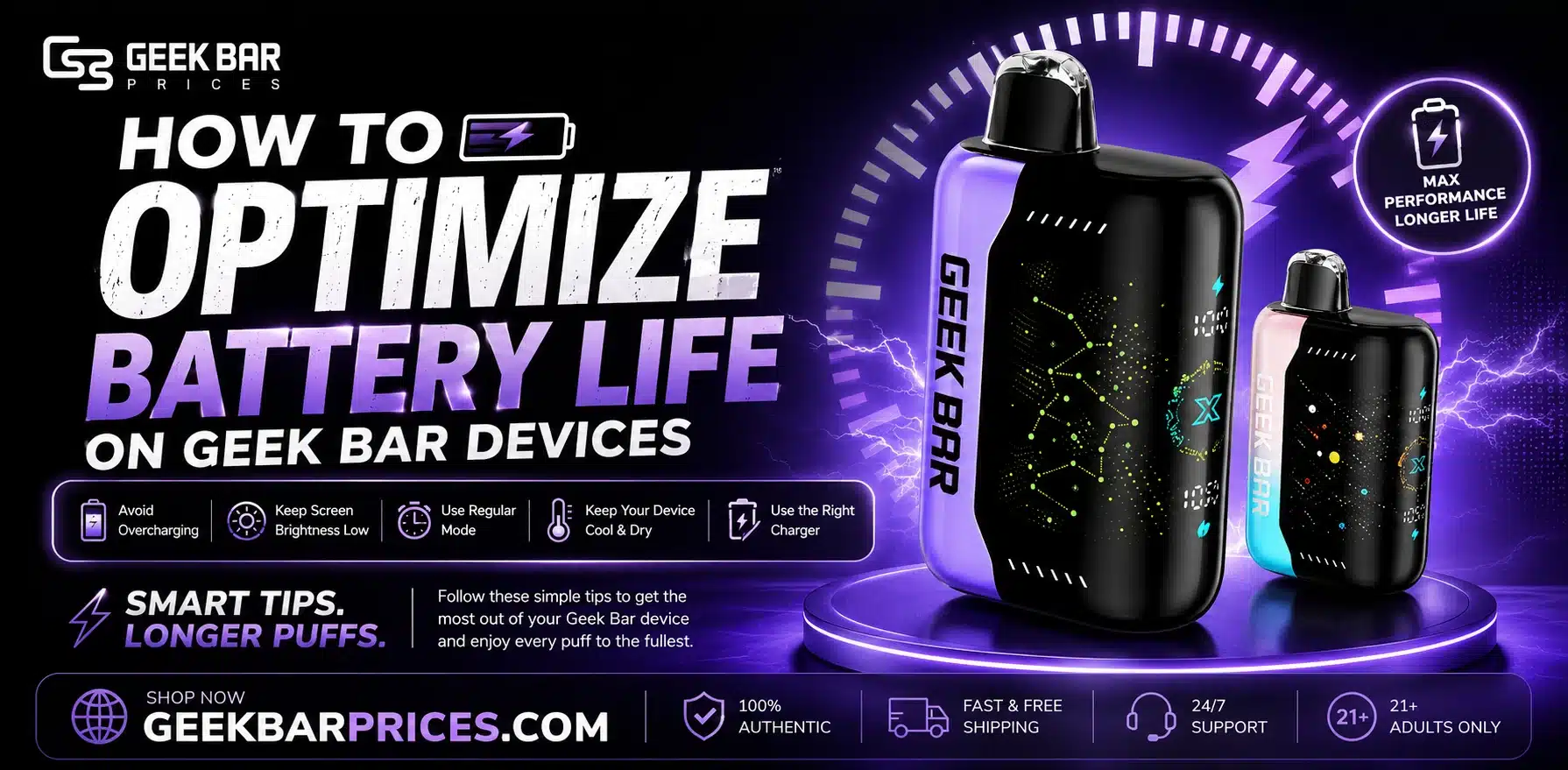
Geek Bar batteries last longer when charged at room temperature, unplugged once full, and used with shorter, spaced-out puffs. Avoid cheap mismatched chargers, extreme heat, and rough handling. If a device ever feels unusually hot, looks swollen, or smells off, stop using it immediately.
Geek Bar devices run on small lithium batteries that power the coil, the screen, and the airflow sensor. Battery life depends on how the device is charged, how it’s used, and how it’s stored. This guide covers the direct steps to optimize battery life, what causes fast drain, and the fire/safety risks tied to lithium batteries, based on official U.S. guidance.
How to Charge a Geek Bar Device the Right Way
Charging habits matter more than any single setting on the device. Follow these steps for a healthy charge cycle:
- Use the cable that came with the device, or a basic 5V USB cable from a trusted brand.
- Charge at room temperature. Avoid charging right after the device has been in direct sun or a hot car.
- Unplug once the light shows a full charge. Don’t leave it on the charger overnight out of habit.
- Charge before the battery hits zero, rather than waiting for a full drain every time.
- Keep the charging port clean and free of lint or dust.
Simple Daily Habits That Help the Battery Last Longer
Small changes in how you use the device each day add up over the battery’s life:
- Take shorter, slower puffs instead of long continuous ones
- Let the device rest for a few seconds between puffs so the coil and battery don’t overheat
- Store the device at room temperature, not in a hot car or a cold bag
- Turn off or lock the device when it’s not in use, if it has that feature
- Avoid dropping or squeezing the device, since damage to the internal cell reduces its capacity
How Long Does a Geek Bar Battery Last?
Battery life depends on the specific model, since Geek Bar makes devices with different battery sizes and puff ratings. A larger battery generally supports more puffs before it needs a recharge or reaches the end of its e-liquid.
Check the puff count and battery capacity listed on your specific device’s packaging for an accurate figure. With good charging habits and shorter puffs, most users get the full puff count the device is rated for – sometimes more.
What Drains a Geek Bar Battery Fast?
If you are already following the steps above and still losing power quickly, one of these is likely the cause:
- Chain puffing – long, back-to-back puffs heat the coil for longer and pull more current from the battery
- Cold weather – lithium batteries lose power output in the cold; a device left in a cold car will feel weaker
- Old age – every lithium battery loses some capacity after many charge cycles; this is normal wear, not a defect
- Wrong charger – a charger with the wrong voltage can undercharge or overwork the battery
- Leaving it plugged in – keeping a device on the charger long after it’s full adds extra strain over time
Good Habits vs Habits to Avoid
| Good for Battery Life | Bad for Battery Life |
| Short, spaced-out puffs | Long chain puffing sessions |
| Charging at room temperature | Charging in heat or direct sun |
| Unplugging once fully charged | Leaving it on the charger overnight |
| Using the original or a matching cable | Using a random high-power fast charger |
| Storing in a bag pocket at normal temperature | Leaving it in a hot car or freezing cold |
Battery Safety and Fire Risk: What You Need to Know
Lithium batteries are generally safe when used and charged correctly. But they can overheat, swell, or catch fire if they’re damaged, charged incorrectly, or exposed to heat.
The U.S. Fire Administration has pointed out that few other consumer products place a battery capable of exploding this close to the body, which is why manufacturers build basic safety circuits into these devices. The FDA has published direct guidance for vape users on avoiding battery fires and explosions, and it collects consumer reports when something goes wrong.
Warning Signs to Watch For
Stop using the device right away if you notice any of these:
- The device feels unusually hot to the touch, even when not in use
- The casing looks swollen, bulging, or cracked
- You notice a strange smell, hissing sound, or leaking liquid near the battery
- The device was dropped hard, crushed, or gotten wet
If any of these happen, stop using the device, place it somewhere away from anything flammable, and let it cool. Do not try to open the device or charge it again.
How to Store and Dispose of a Used Device Safely
Disposable vapes contain a small lithium-ion cell, so they should never go in regular household trash or a curbside recycling bin. Damaged cells thrown in the trash have caused fires at waste and recycling facilities.
The U.S. Consumer Product Safety Commission warns that lithium-ion batteries should never go in household trash and offers guidance on safe handling and disposal.
Keep spare or spent devices away from direct sunlight, radiators, and car dashboards, since heat is one of the main triggers for battery failure.
Conclusion
A Geek Bar battery lasts longer when it’s charged at room temperature, unplugged once full, and used with shorter, spaced-out puffs. Avoid cheap unmatched chargers, extreme heat, and rough handling. If a device ever feels too hot, looks swollen, or smells off, stop using it and set it aside safely. Good daily habits protect both the battery and the person using it.
FAQs
How can I make my Geek Bar battery last longer?
Charge at room temperature, unplug once full, take shorter spaced-out puffs, and avoid cheap mismatched chargers.
Why is my Geek Bar draining fast?
Common causes include chain puffing, cold weather, battery aging, using the wrong charger, or leaving it plugged in after it’s full.
Is it safe to leave a Geek Bar charging overnight?
No – leaving it on the charger long after it’s full adds unnecessary strain and can shorten battery life over time.
What are warning signs of a battery safety issue?
Unusual heat, a swollen or cracked casing, a strange smell or hissing sound, or a leak near the battery – stop use immediately if you notice any of these.
Can I throw a used disposable vape in the trash?
No – lithium-ion batteries should never go in household trash, since damaged cells can cause fires at waste facilities.
Does cold weather affect Geek Bar battery performance?
Yes, lithium batteries lose power output in cold temperatures, making the device feel weaker in cold weather.
What charger should I use for a Geek Bar device?
Use the original cable or a basic 5V USB cable from a trusted brand – avoid high-power fast chargers not designed for vape batteries.
What should I do if my Geek Bar device feels too hot?
Stop using it immediately, place it away from anything flammable, and let it cool. Don’t attempt to open or recharge it.